Air Handler Modeling
Modeling air handling units using Revit from Engineering drawings.
Project Details
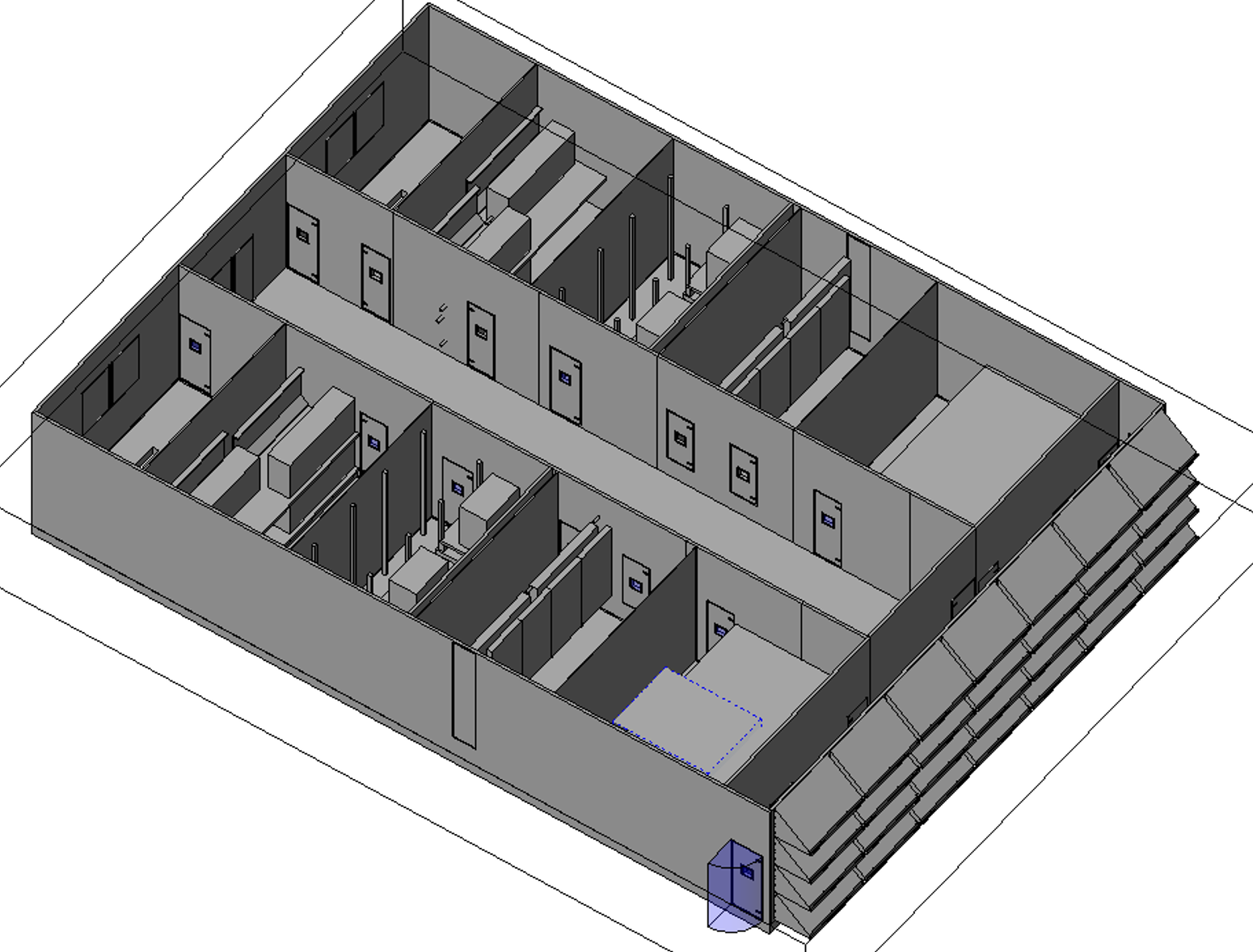
At T.G. Gallagher, we kept running into the same issue: air handlers showing up on site that didn't fit where we thought they would. The engineering submittals came in as 2D drawings with equipment schedules, so our team had to guess at the actual size and layout before we could check for conflicts with other systems. This meant we were always playing catch-up, finding problems during installation instead of beforehand. My supervisor asked me to fix this by building accurate 3D models of the air handlers straight from the submittal drawings so we could coordinate properly before equipment even got ordered.
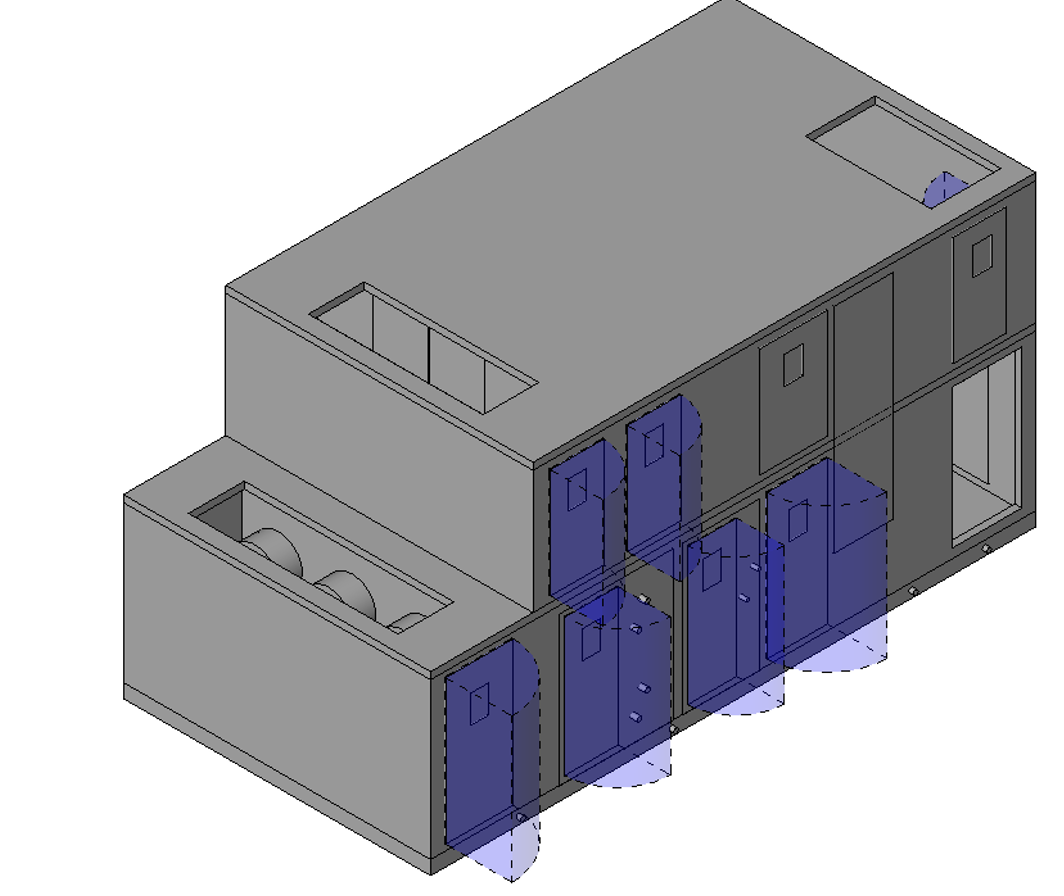
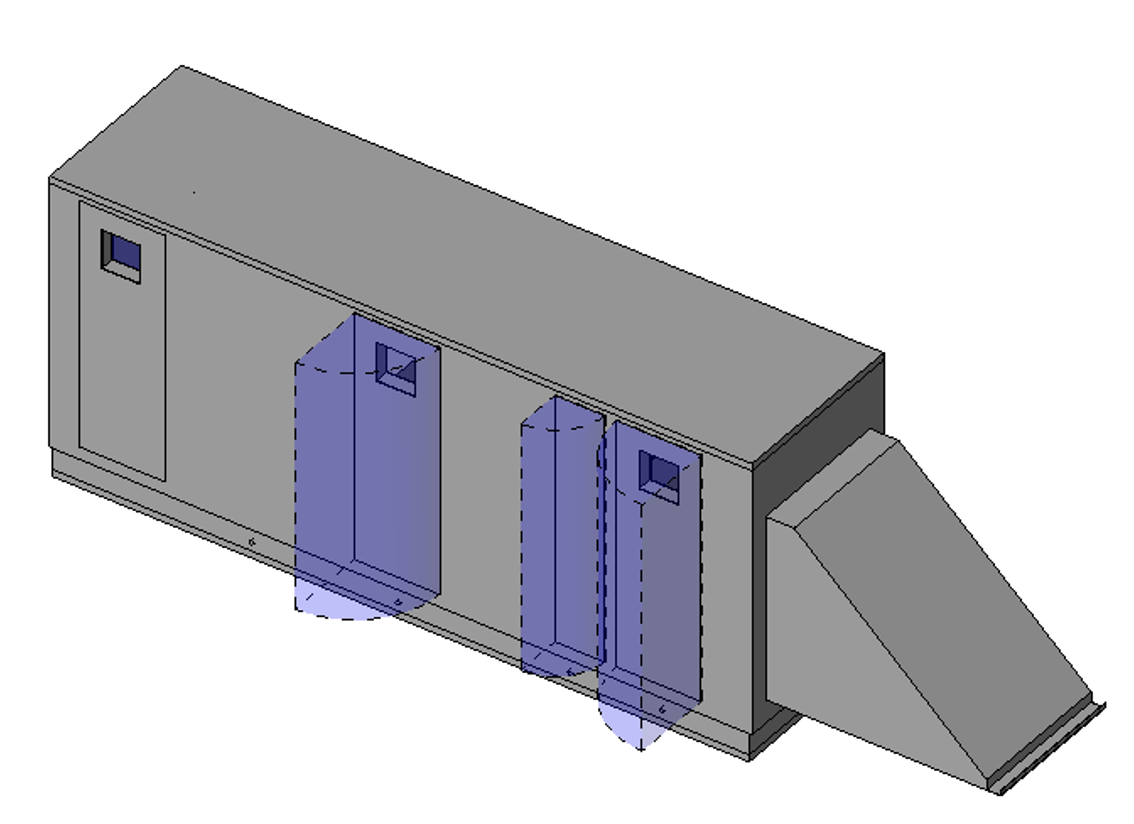
The tricky part was that every manufacturer's submittal looked different. Some had great details, others were pretty bare-bones. I had to dig through the PDF drawings to pull out the important stuff: overall dimensions, where the duct connections were, how big they were, and how much clearance space the units needed. Then I used Revit's family editor to build 3D models that matched the real equipment, including all the connection points for ducts, pipes, and electrical. When the submittals didn't have enough information (which happened a lot), I'd look up the manufacturer's spec sheets online or check with the mechanical engineers to make sure I wasn't making bad assumptions. I also set up a system for naming and organizing the families so other people on the team could actually find and use them later.
Once I started creating these models, we caught conflicts way earlier in the process. Instead of finding out during installation that an air handler was going to hit a beam or block access to something else, we figured it out weeks ahead of time when we could actually do something about it. The subcontractors also appreciated having accurate models because they could plan their work better. After seeing the results, this became the standard way we handled major equipment on future projects. The whole experience taught me how important it is to turn engineering documents into usable 3D information—that's where BIM actually saves time and money.
← Back to Home